YEAR
2025
Bortoana AI Social Media Manager
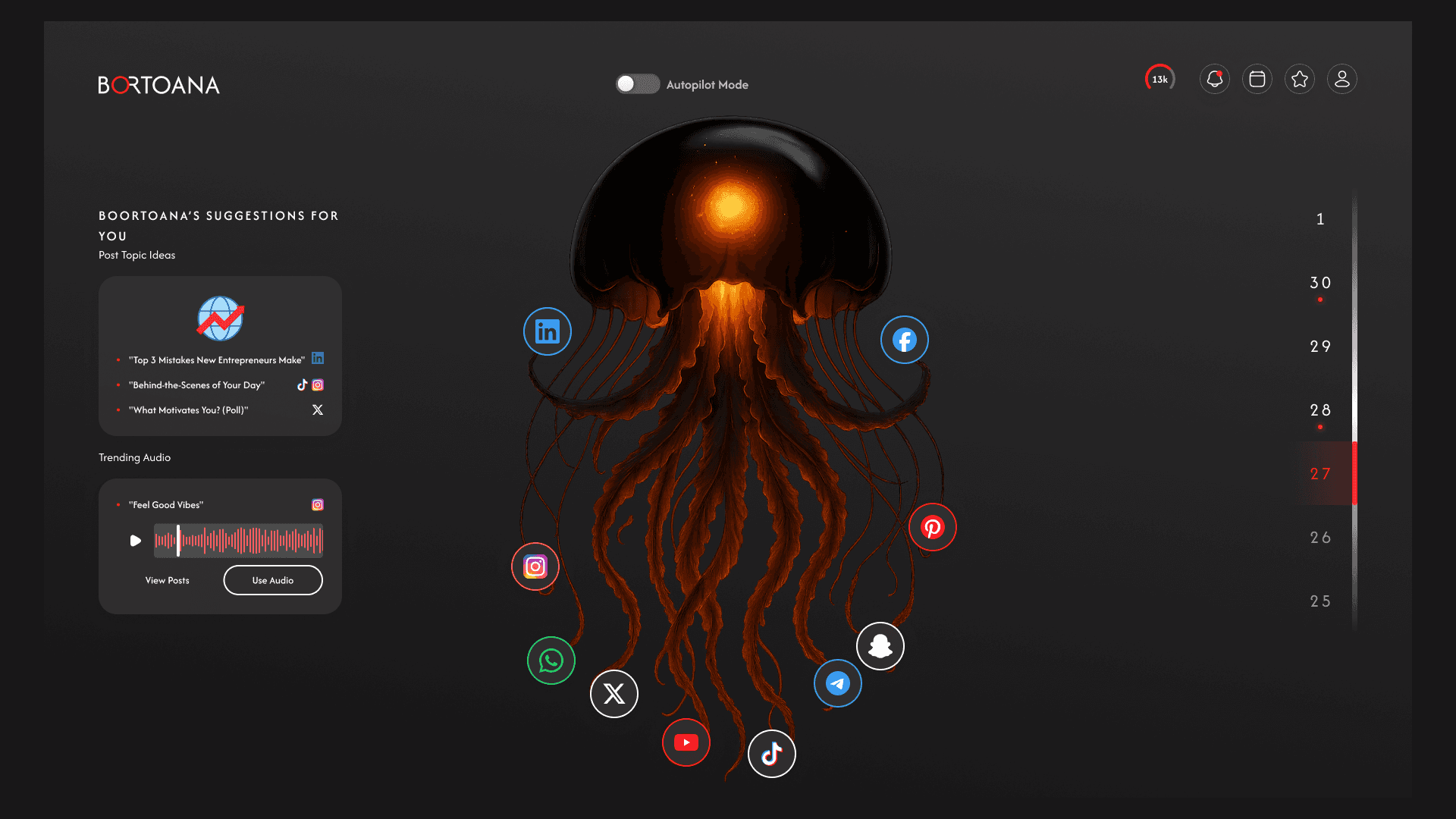
Bortoana is an AI-powered platform that handles social media content creation and scheduling for individuals and small businesses. The product is designed to remove decision fatigue by automating what to post, when to post, and how content is adapted across platforms.
As the product designer, I focused on creating a calm, low-effort product where AI works quietly in the background while users remain confident and in control.
AI
Product Design
Client
Islam Shehata
View Live Project

Analysis - Performance and Responsiveness
This project explores how AI can reduce mental load rather than add complexity. Instead of building a feature-heavy marketing tool, Bortoana was designed as a supportive system that guides users and minimizes the number of decisions they need to make.
2. Problem
Many freelancers and small business owners struggle with social media because:
They don’t know what to post
Posting is inconsistent
Existing tools feel overwhelming or too technical
Content planning becomes mentally exhausting
This often leads to avoidance and low engagement.
3. Goals
The main goals for Bortoana were to:
Eliminate content-related decision fatigue
Make AI feel supportive, not intimidating
Help users stay consistent without effort
Build trust through clarity and predictability
4. Target Users
Bortoana is designed for:
Freelancers
Business owners
Solo creators
Non-marketers
These users value simplicity, guidance, and time savings over advanced controls.
5. Key Features
Bortoana includes:
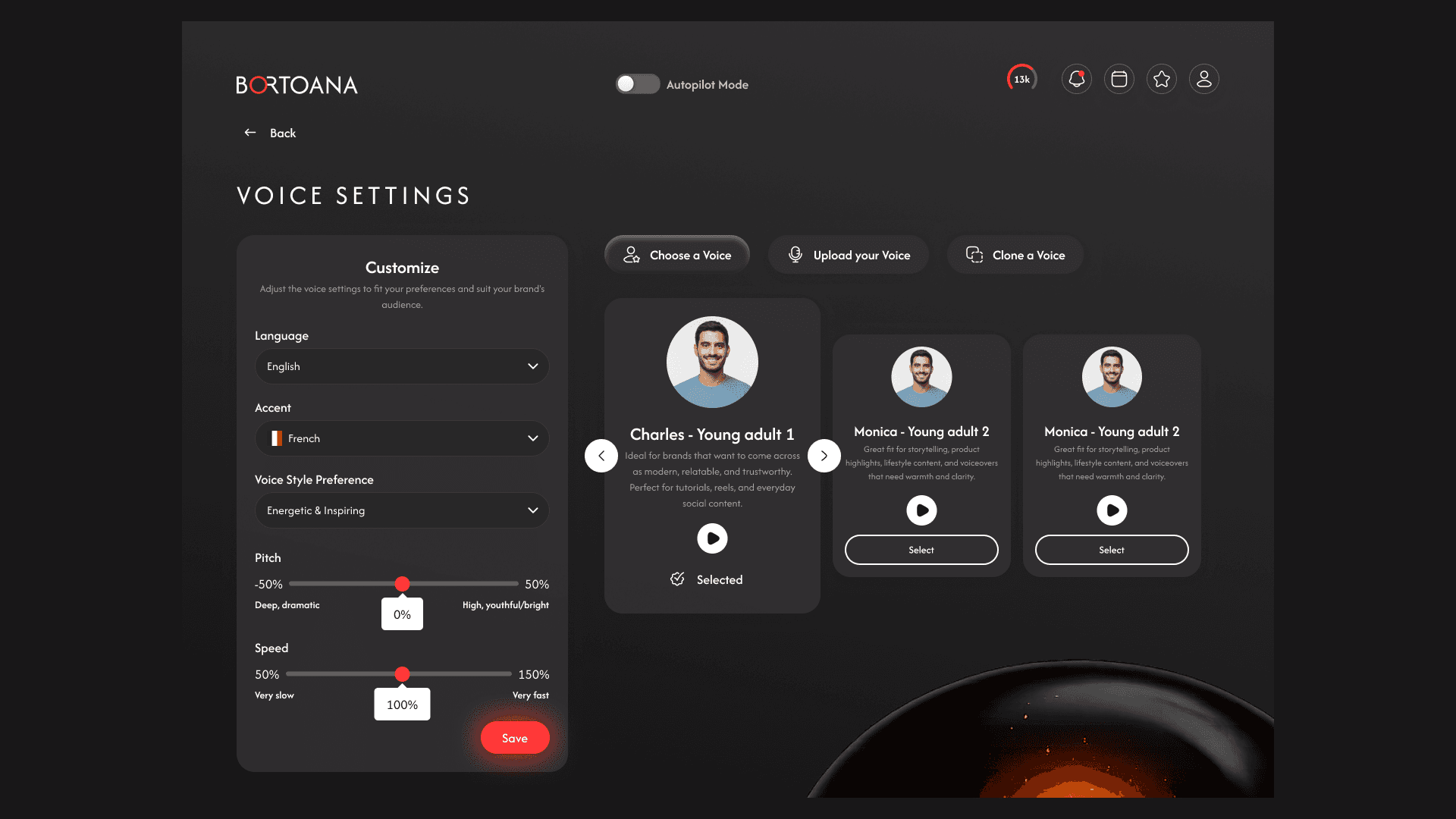
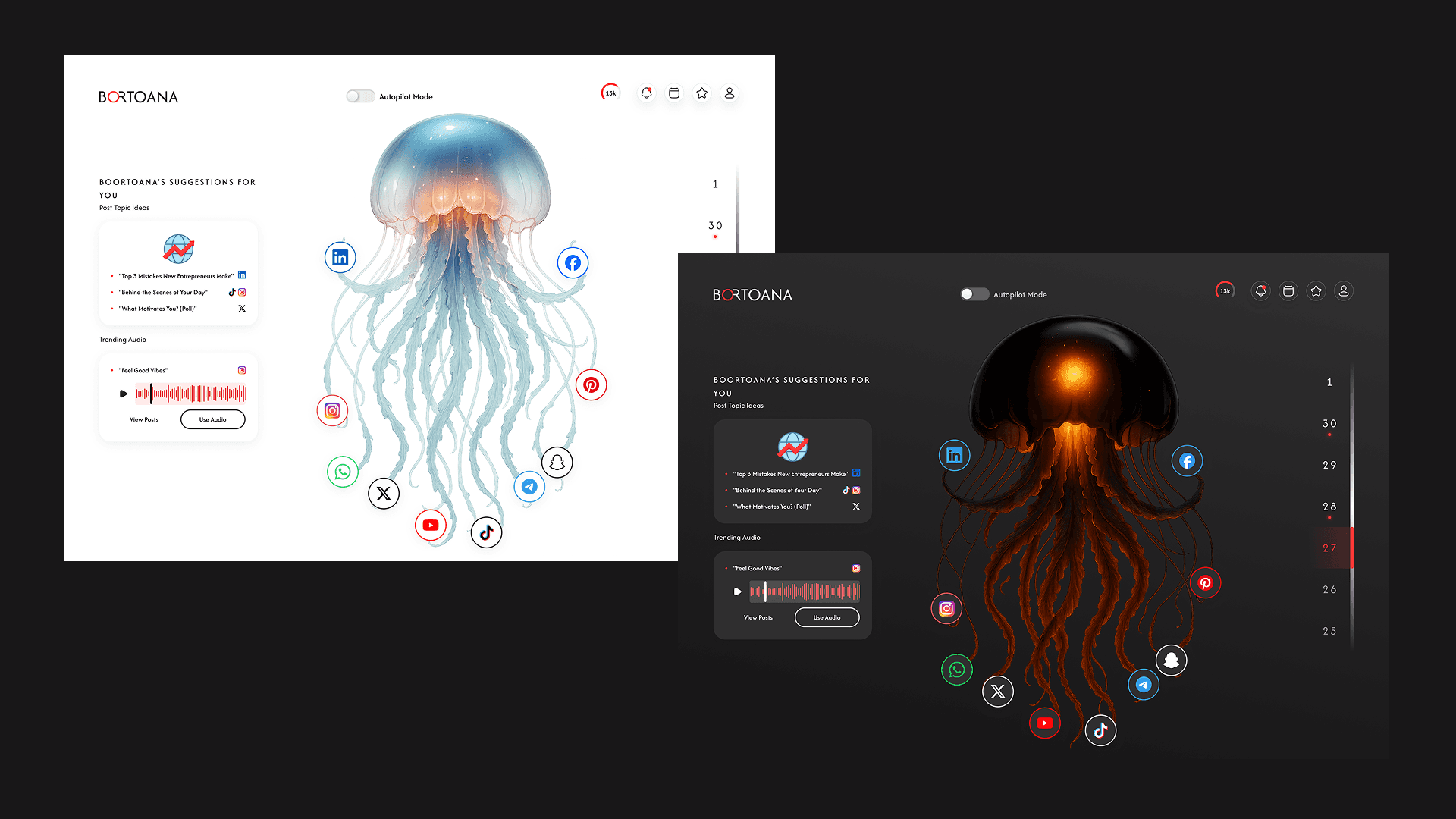
AI Content Generation: Automatically generates post ideas and captions
Smart Scheduling: Suggests when and what to post
Platform Adaptation: Adjusts content per platform
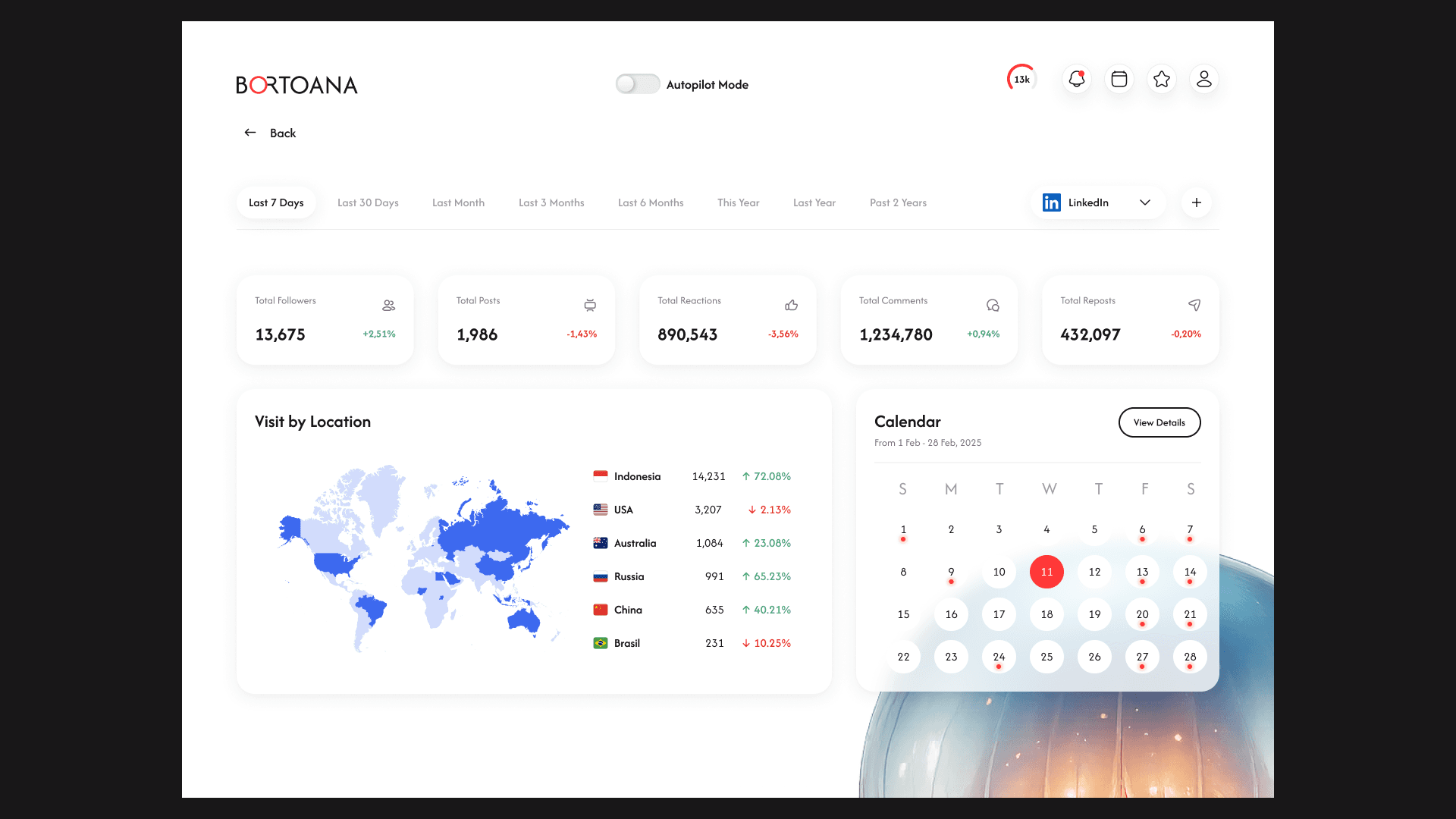
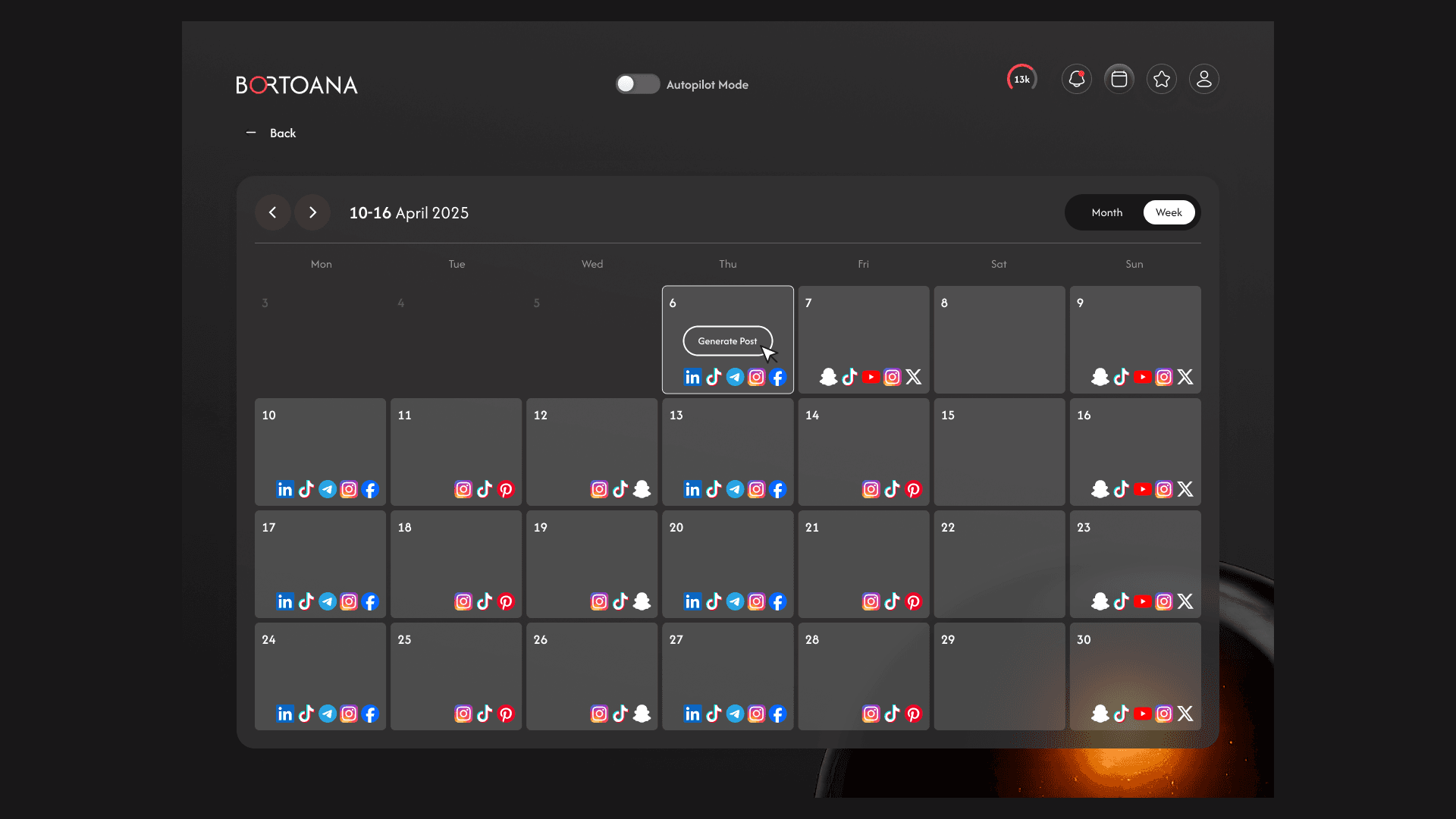
Content Calendar: Clear overview of upcoming posts
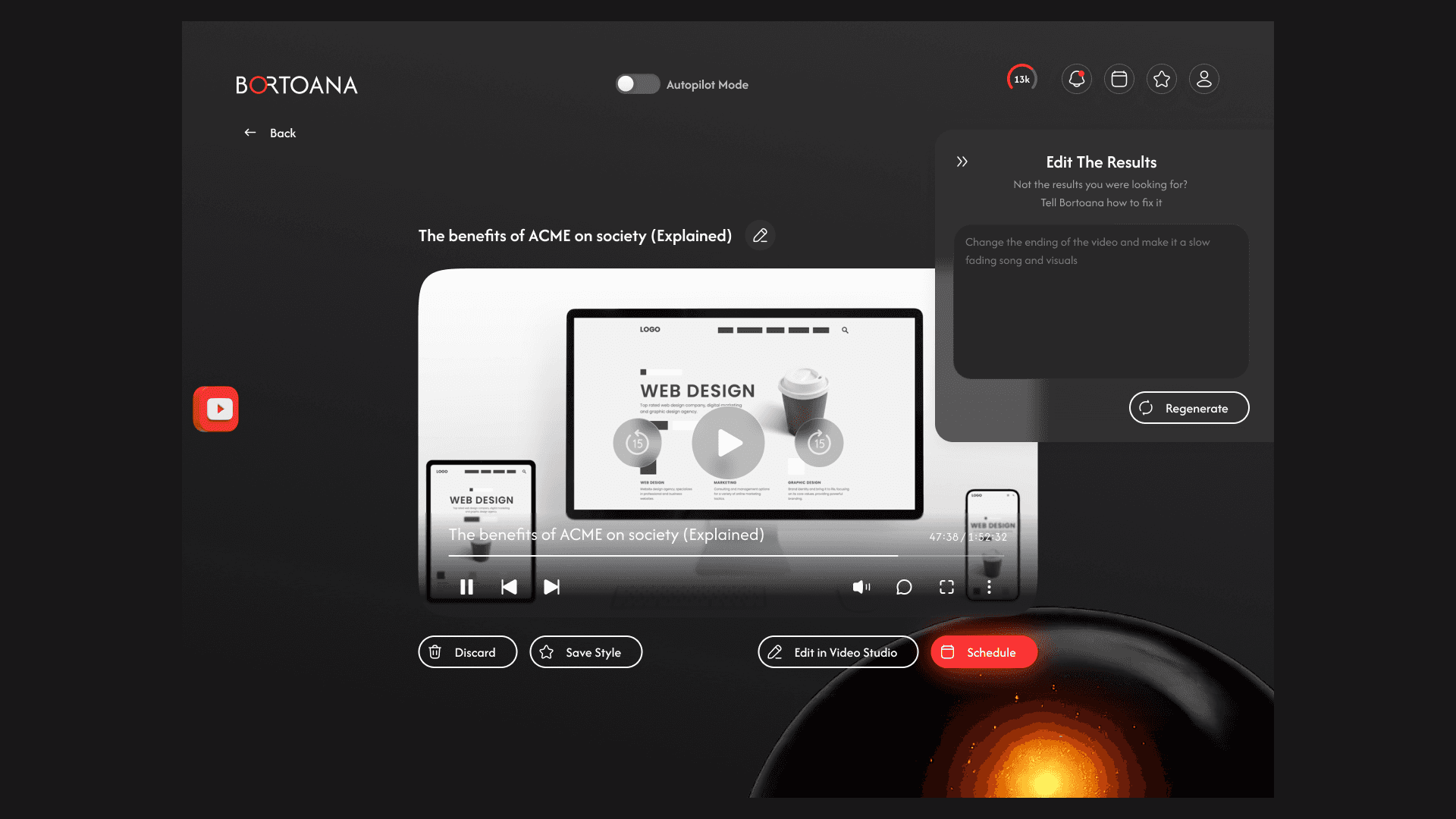
Review & Approve: Users can edit or approve before publishing
Each feature exists to reduce thinking effort.
6. User Flow
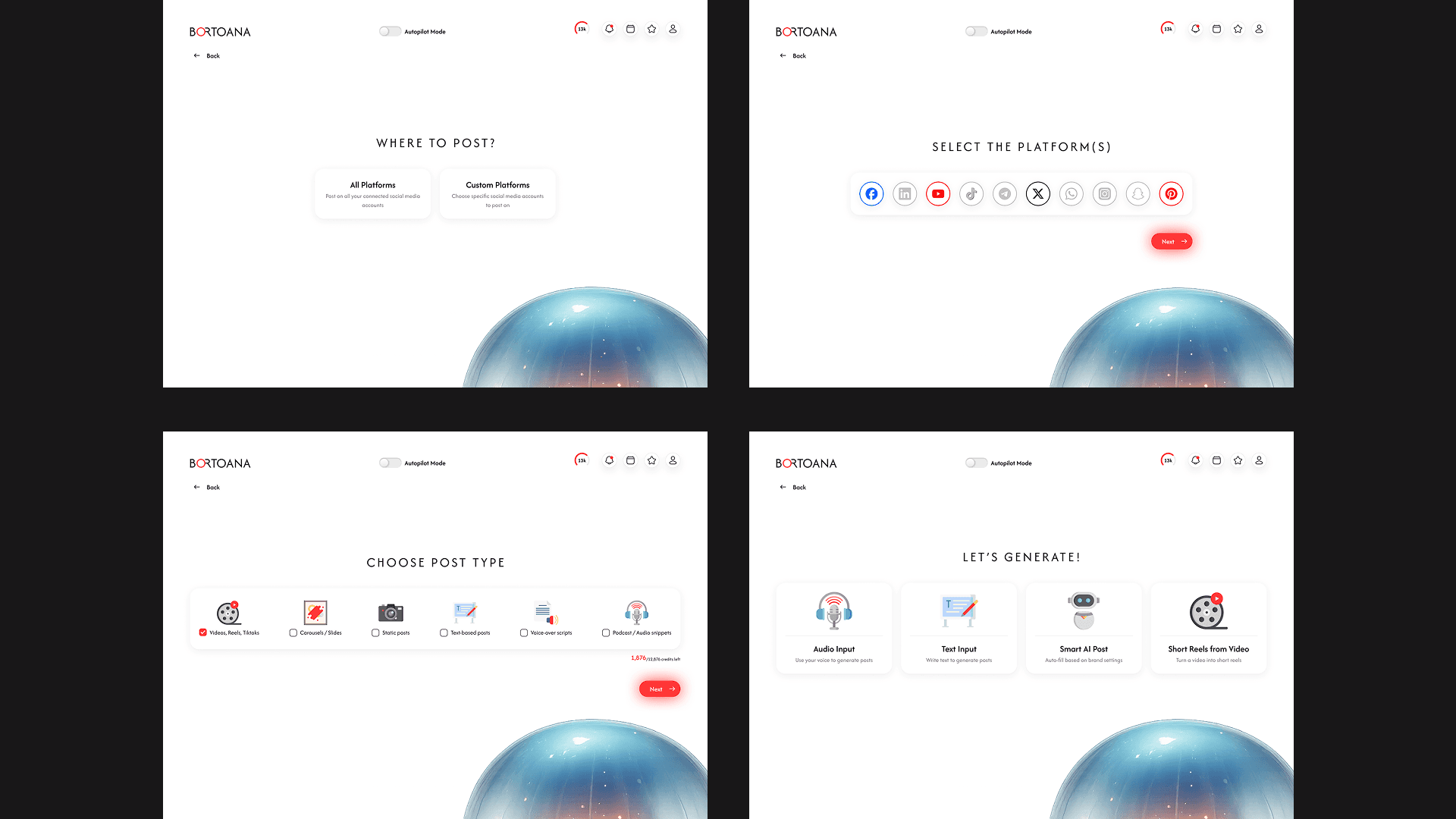
A typical flow:
User signs up
Answers a few simple onboarding questions
AI generates a content plan
User reviews or edits
Content is scheduled automatically
The flow avoids blank states and unnecessary decisions.
7. UX & UI Decisions
Key decisions included:
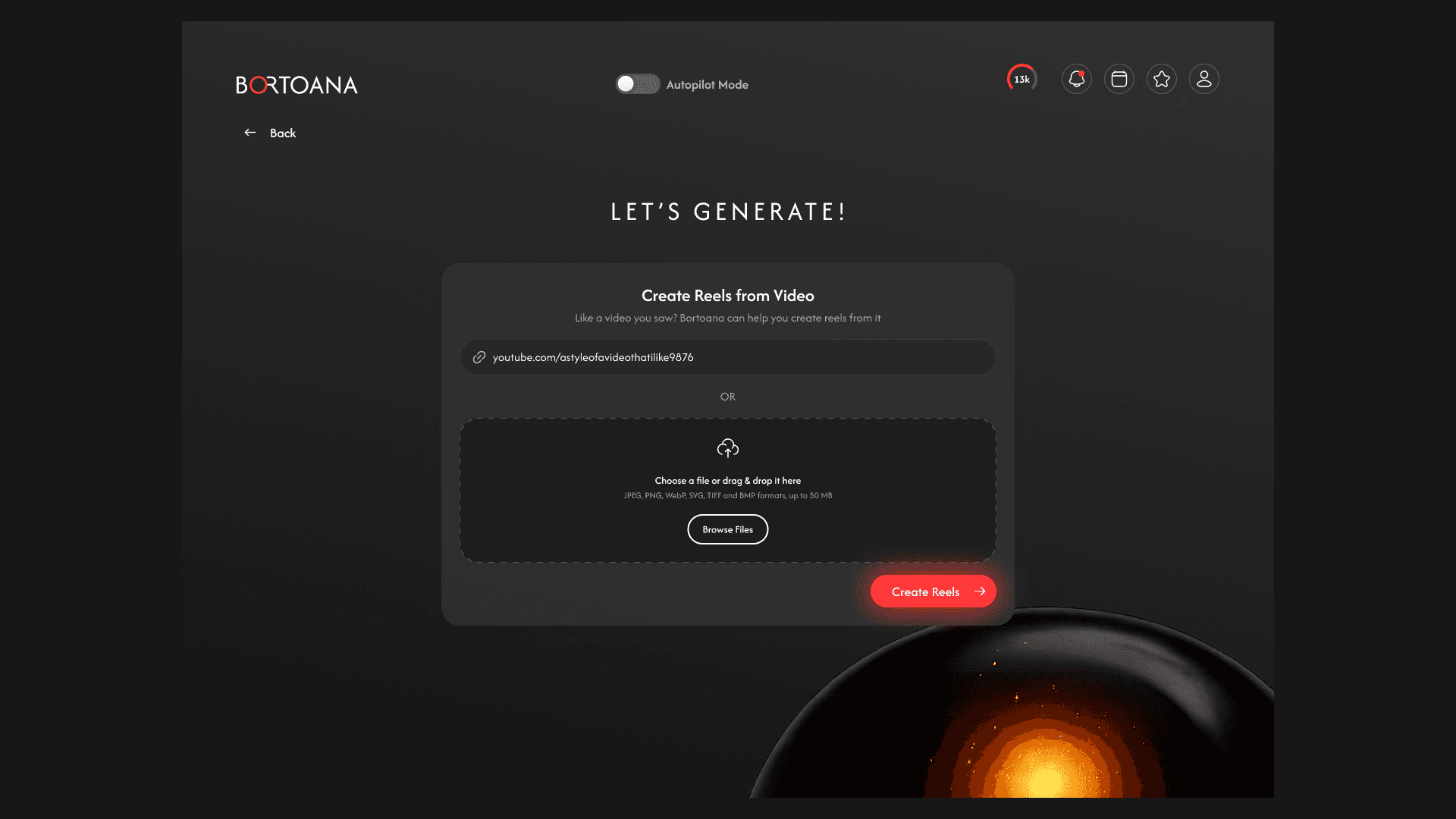
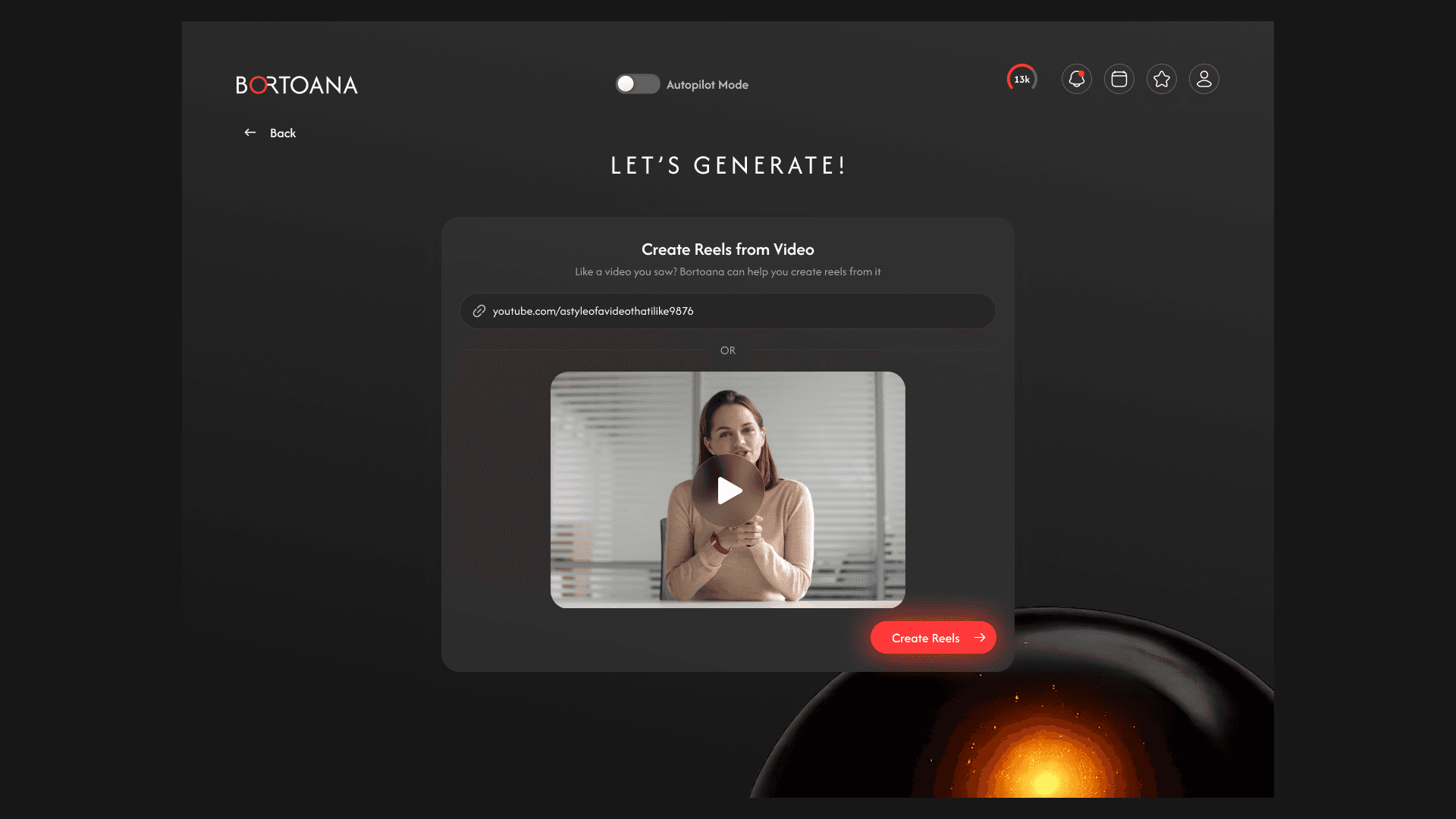
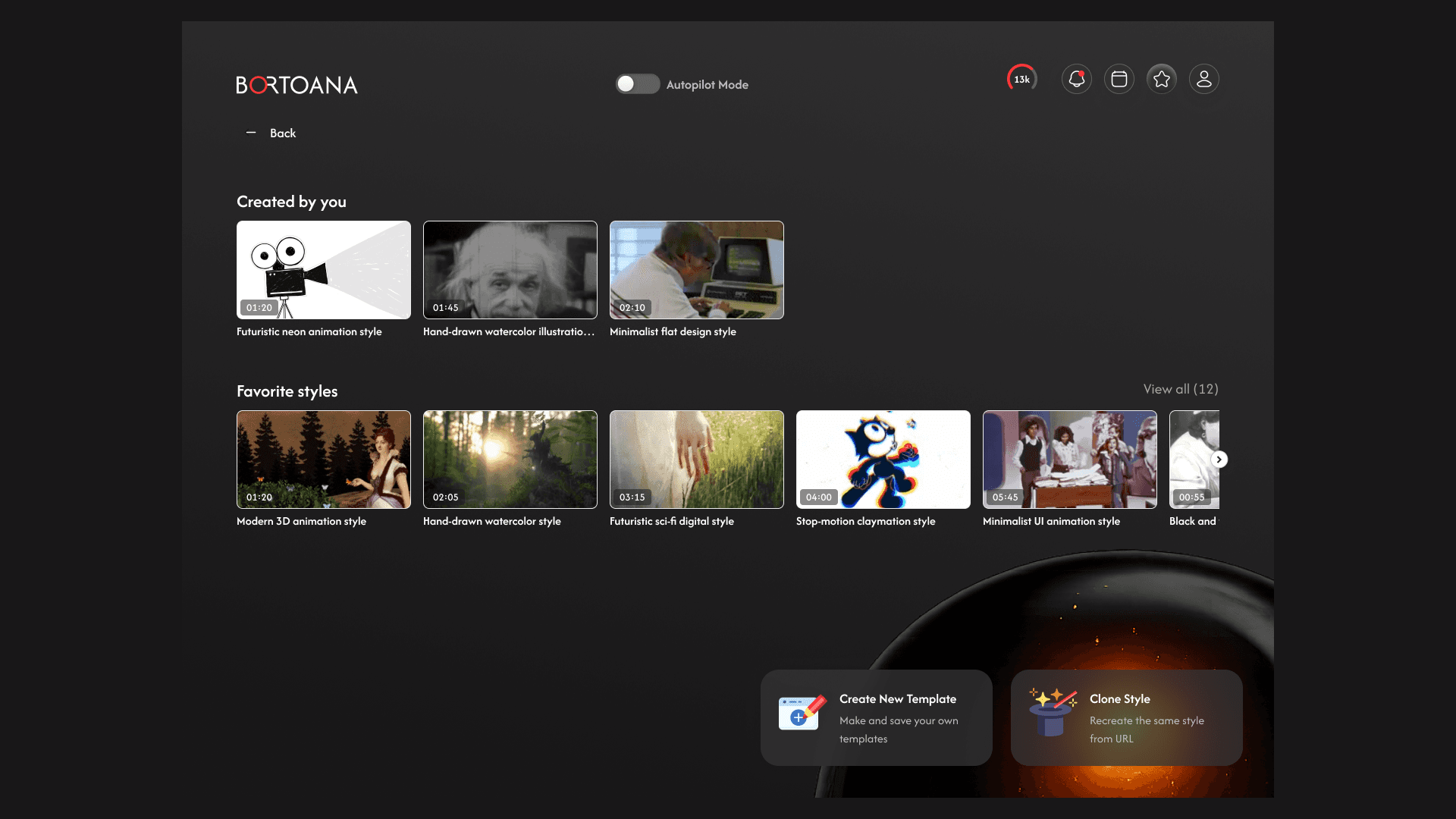
One primary action per screen
AI suggestions presented as defaults
Minimal copy and clear reassurance
Calm colors and simple layouts
The interface is designed to feel reassuring and lightweight.
8. Challenges
Designing trust around AI-generated content
Avoiding overwhelming users with options
Balancing automation with user control
These challenges were addressed by prioritizing guidance and transparency.
9. Outcome
Bortoana demonstrates a human-centered approach to AI product design. The project highlights my ability to:
Design low-friction AI experiences
Reduce cognitive overload through UX
Translate complex automation into simple flows
Bortoana positions AI as a quiet assistant that removes friction from everyday work, rather than adding more tools to manage.
More Other cases
FAQ