YEAR
2024
Luddu - Mobile Game
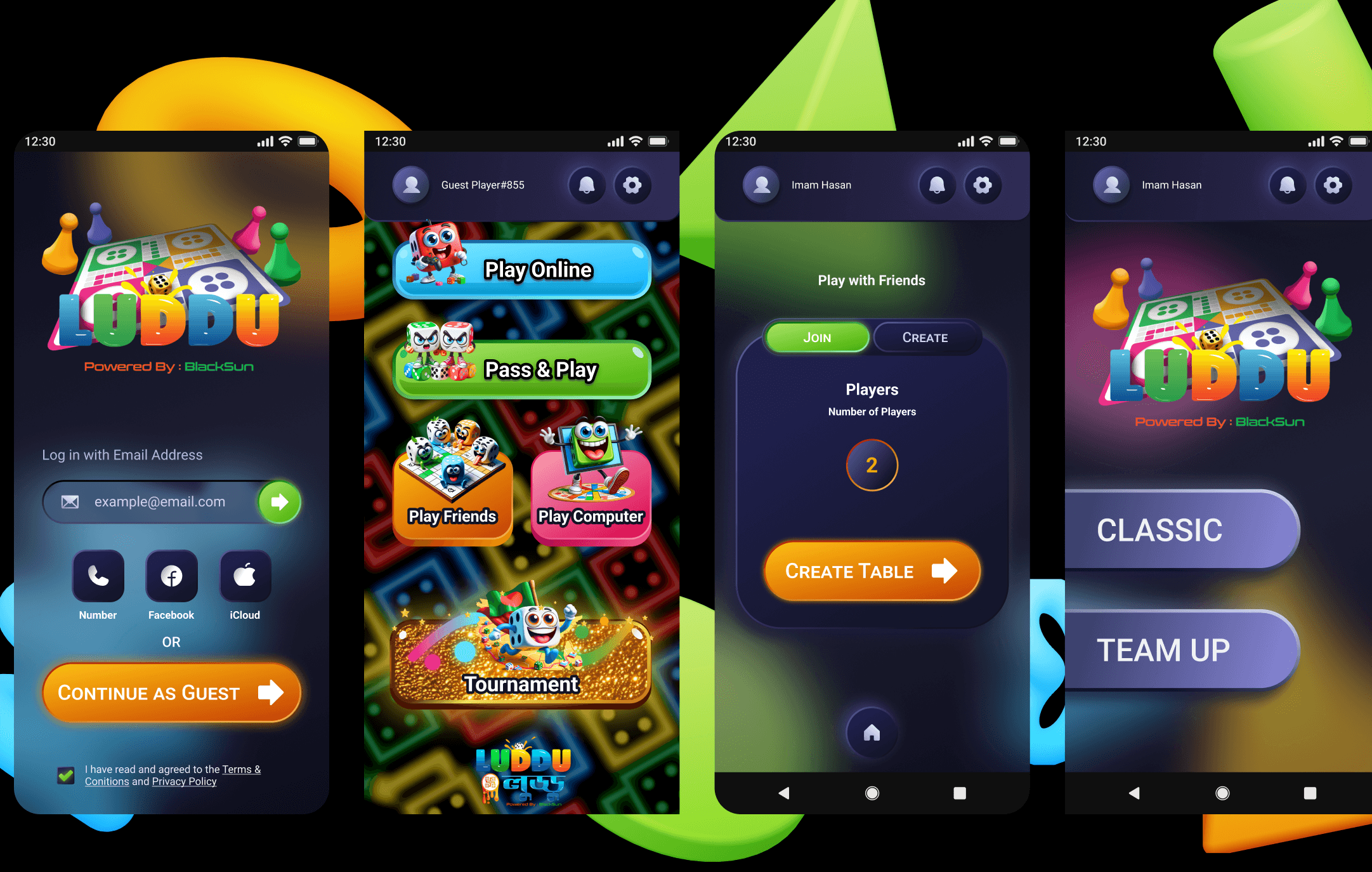
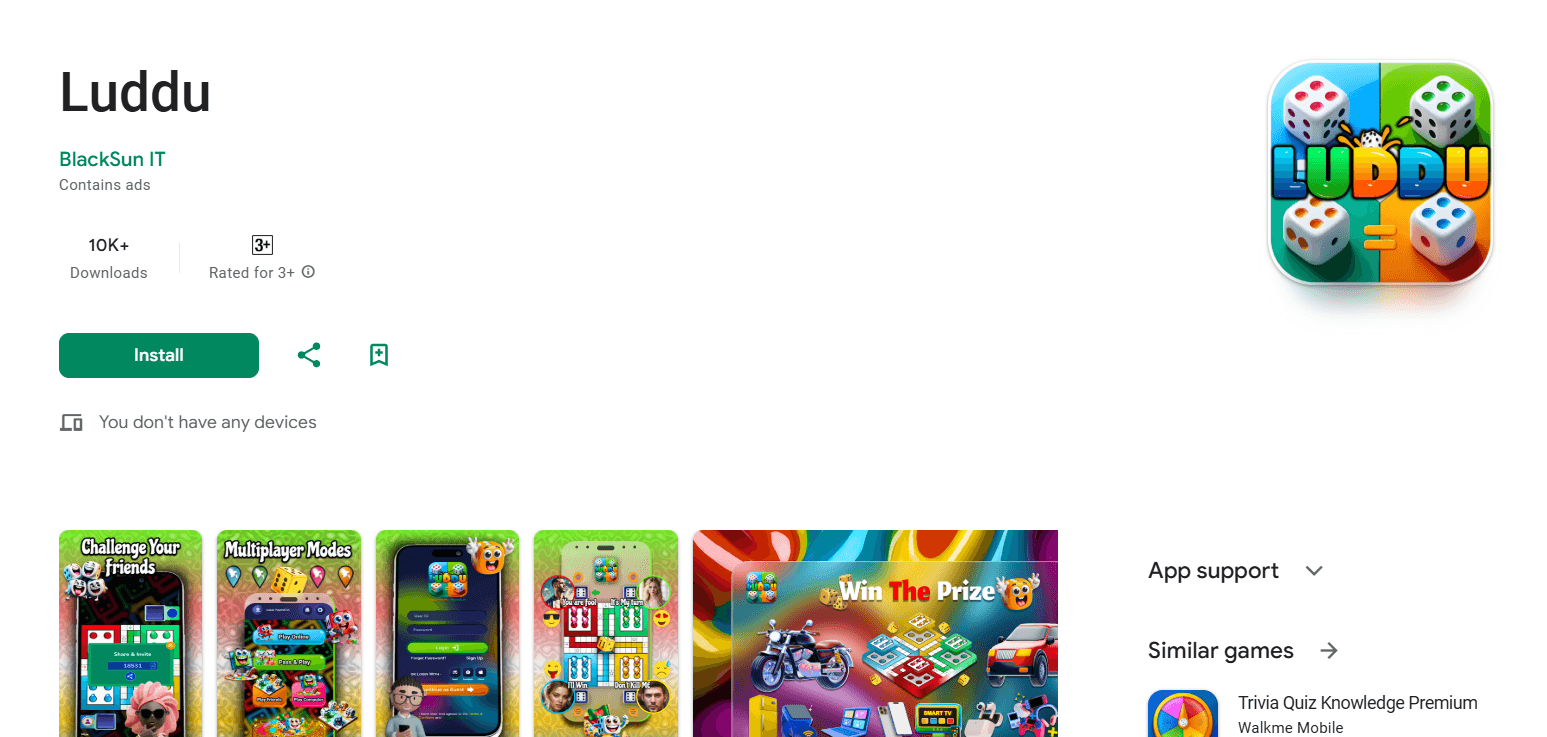
Luddu is a mobile board game inspired by the classic Ludo experience, available on Google Play. The game is designed for casual players who want a familiar, fun, and easy-to-play experience on mobile.
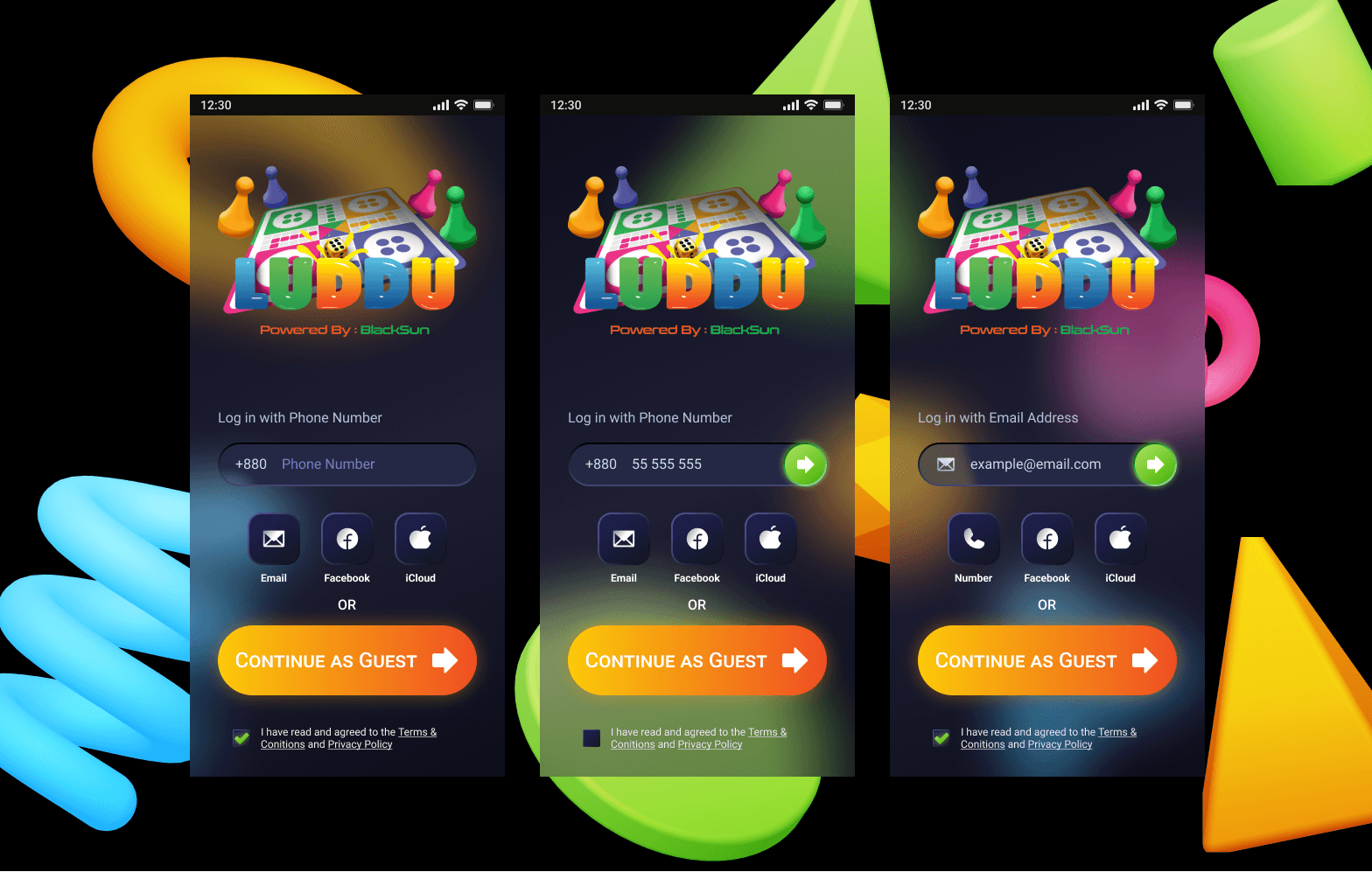
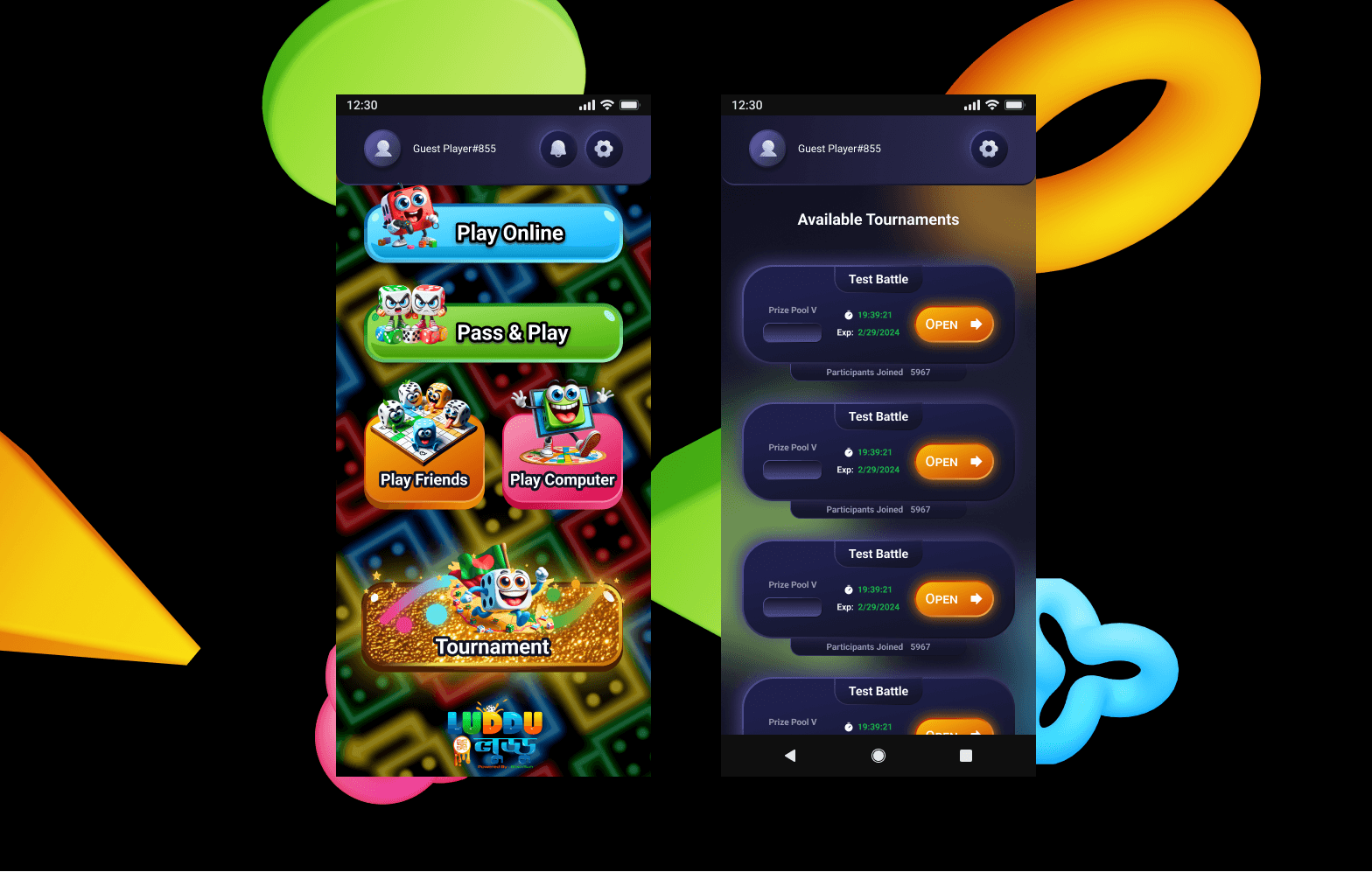
As the UI/UX designer on this project, I focused on creating an intuitive interface, smooth navigation, and a visually engaging gameplay experience, covering the full journey from onboarding to in-game interactions.
Game UI Design
Mobile App

Analysis - Performance and Responsiveness
Luddu is a casual mobile board game inspired by the classic Ludo. The focus of this project was to translate a familiar physical board game into a smooth, enjoyable mobile experience while respecting mobile usability constraints.
The design prioritizes clarity, ease of use, and quick understanding, allowing players to jump into the game without friction.
2. Understanding the Game Concept
I began by deeply understanding the game mechanics and user expectations. This phase included:
Collaborating closely with the development team to define core gameplay features
Identifying the primary audience: casual gamers who enjoy classic board games
Analyzing competitor Ludo-inspired games to identify common design patterns and usability gaps
Goal: Deliver a visually appealing, user-friendly design that supports both new and returning players.
3. Problem Statement
Many Ludo-style mobile games suffer from:
Overcrowded interfaces
Confusing onboarding for new players
Poor visual hierarchy during gameplay
Excessive ads disrupting the experience
These issues reduce engagement and make players abandon the game early.
4. Design Goals
The main design goals for Luddu were:
Make the game instantly understandable
Keep the interface clean and playful
Reduce friction during onboarding
Maintain focus during gameplay
Create a smooth, enjoyable flow for short play sessions

5. Target Users
Luddu is designed for:
Casual mobile gamers
Players familiar with classic Ludo
Users of all ages
Players looking for quick, fun sessions
These users value simplicity, familiarity, and visual clarity.
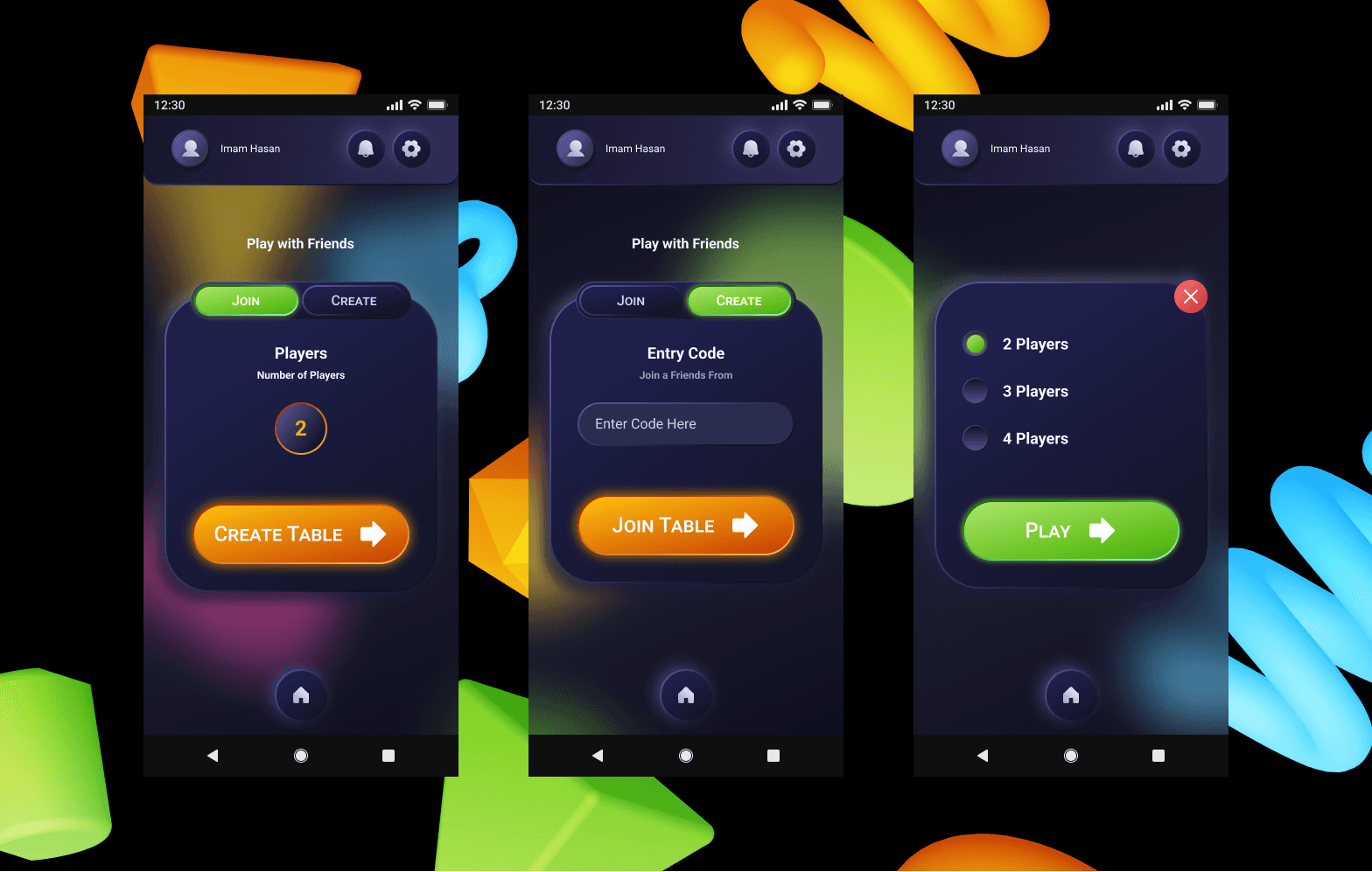
6. UX Flow & Navigation
Key user flows were designed to be short and clear:
App launch → Home screen
Game mode selection
Player setup
Gameplay
Game result screen
Special attention was given to minimizing steps and avoiding unnecessary interruptions.
7. UI & Visual Design
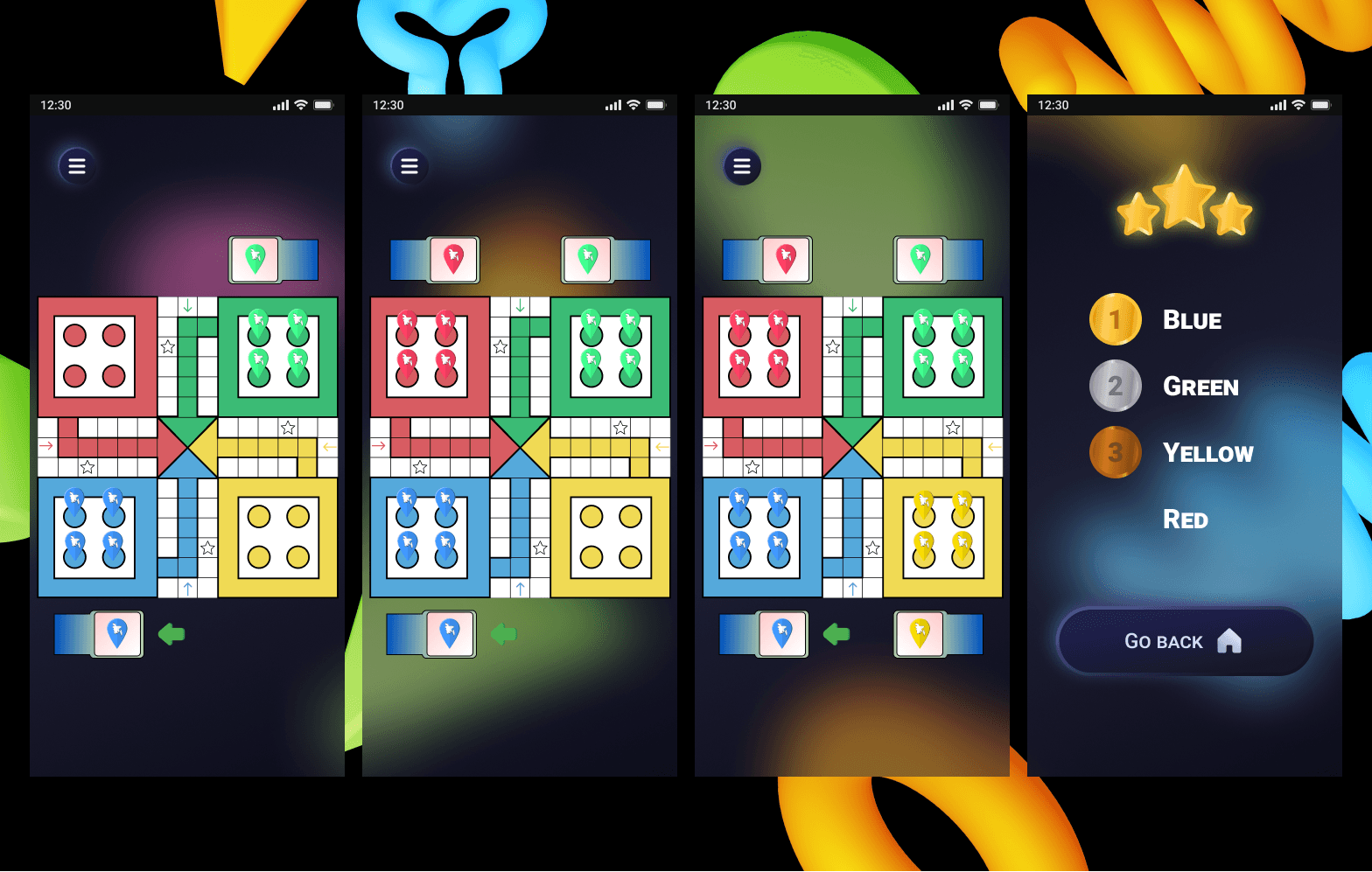
The visual design focuses on:
Bright, friendly colors inspired by the classic board game
Clear distinction between players using color coding
Large, readable buttons and touch targets
Simple animations to provide feedback without distraction
The UI supports immersion while keeping gameplay readable at all times.
8. Challenges & Solutions
Challenges:
Balancing visual fun with clarity
Designing for different screen sizes
Making rules understandable without heavy text
Solutions:
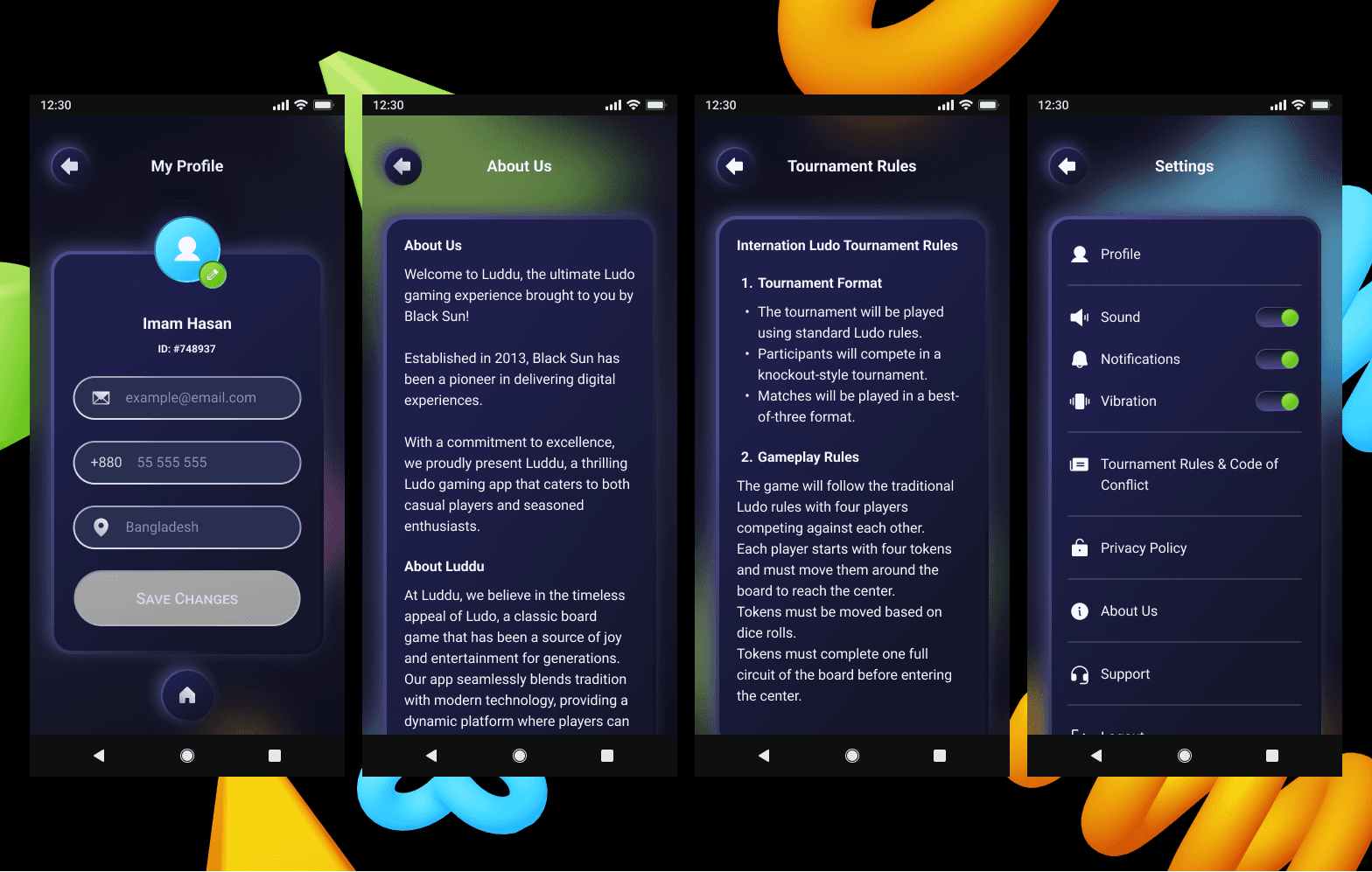
Used icons and visual cues instead of instructions
Kept layouts consistent across screens
Prioritized core actions visually during gameplay
9. Outcome & Learnings
Luddu resulted in a polished, accessible game experience that feels familiar yet modern. The project demonstrates my ability to:
Design engaging game interfaces
Translate classic mechanics into mobile-friendly UX
Collaborate effectively with developers
Design for clarity, fun, and usability
This case study highlights my versatility as a UI/UX designer beyond SaaS and AI products, extending into interactive and game design.
More Other cases
FAQ