YEAR
2024
YIIC Innovations
The goal is to design a modern, professional, trust-inspiring website that clearly communicates YIIC’s expertise in Microsoft stack, automation, and custom solutions. The site should convert visitors (potential clients) into contacts, and serve as a content hub (case studies, insights).
CRM
Website
Client
YIIC Innovations - consulting, CRM, ERP, automation services
View Live Project

Analysis - Performance and Responsiveness
The concept stage lacked a clear information hierarchy and emotional appeal. Users arriving would struggle to understand what exactly YIIC offers, or how to trust the brand. Also, the site needed to scale: new services, case studies, content.. without breaking layout consistency.
Research & Discovery
Stakeholders & Business Needs
YIIC leadership wanted: lead generation, credibility, clarity.
Marketing team wanted to showcase case studies, publish insights, highlight services.
Prospective clients needed to quickly understand which problems YIIC solves and how to contact them.
User Research / Persona Hypothesis
While I didn’t run full user interviews in this round, I defined key personas:
Persona | Motivations / Goals | Pain Points |
|---|---|---|
CTO / IT Manager at SMB / mid-market | Needs a partner to manage Microsoft stack, automation, integrate systems | Overwhelmed by vendor choices, unclear ROI, wants trust signals |
Operations / PMO lead | Needs clarity on workflow automation, case management, order systems | Struggles with manual processes, siloed data |
Decision-maker / CEO | Seeks business transformation & growth | Needs assurance, vendor reputation, proof of value |
Key insights (drawn from stakeholder interviews / competitor benchmarking):
The value proposition must be visible “above the fold” — users often leave if they can’t see what’s in it for them quickly.
Case studies & client stories are critical trust anchors.
Scalable modules: as YIIC adds new services, the site layout should adapt without rework.
Competitive Benchmarking
I studied competitor sites in the Microsoft consulting / automation niche. Observations:
Many sites bury their service sections or overload text.
The most effective ones use modular “cards” or “blocks” to section services clearly.
Use of imagery, icons, and visual metaphors helps break content monotony.
Clear CTA (call to action) buttons like “Contact us”, “Talk to us”, “Download readiness” helped conversions.
From that, I derived design principles for the site:
Clarity over cleverness: avoid cryptic language
Modular, reusable blocks for services, case studies, insights
Consistent visual language (colors, icons, spacing)
Strong visual hierarchy, with CTAs prominent
Trust signals: case studies, stats, credentials
Information Architecture & Sitemap
I sketched an updated sitemap:
Home
About / Who We Are
Services (subpages: Microsoft Services, Power Platform, Custom AI / Copilot, etc.)
Solutions / Core Modules (Client Mgmt, Order Mgmt, Contract, Scheduling, etc.)
Case Studies
Insights / Blog
Contact
I also mapped content types:
Service cards (title, summary, “Learn more”)
Solutions blocks
Featured case studies
Blog / insight list
Contact / lead form
The homepage became a microcosm of the entire site, a sampler of what’s to come, with links deeper in.
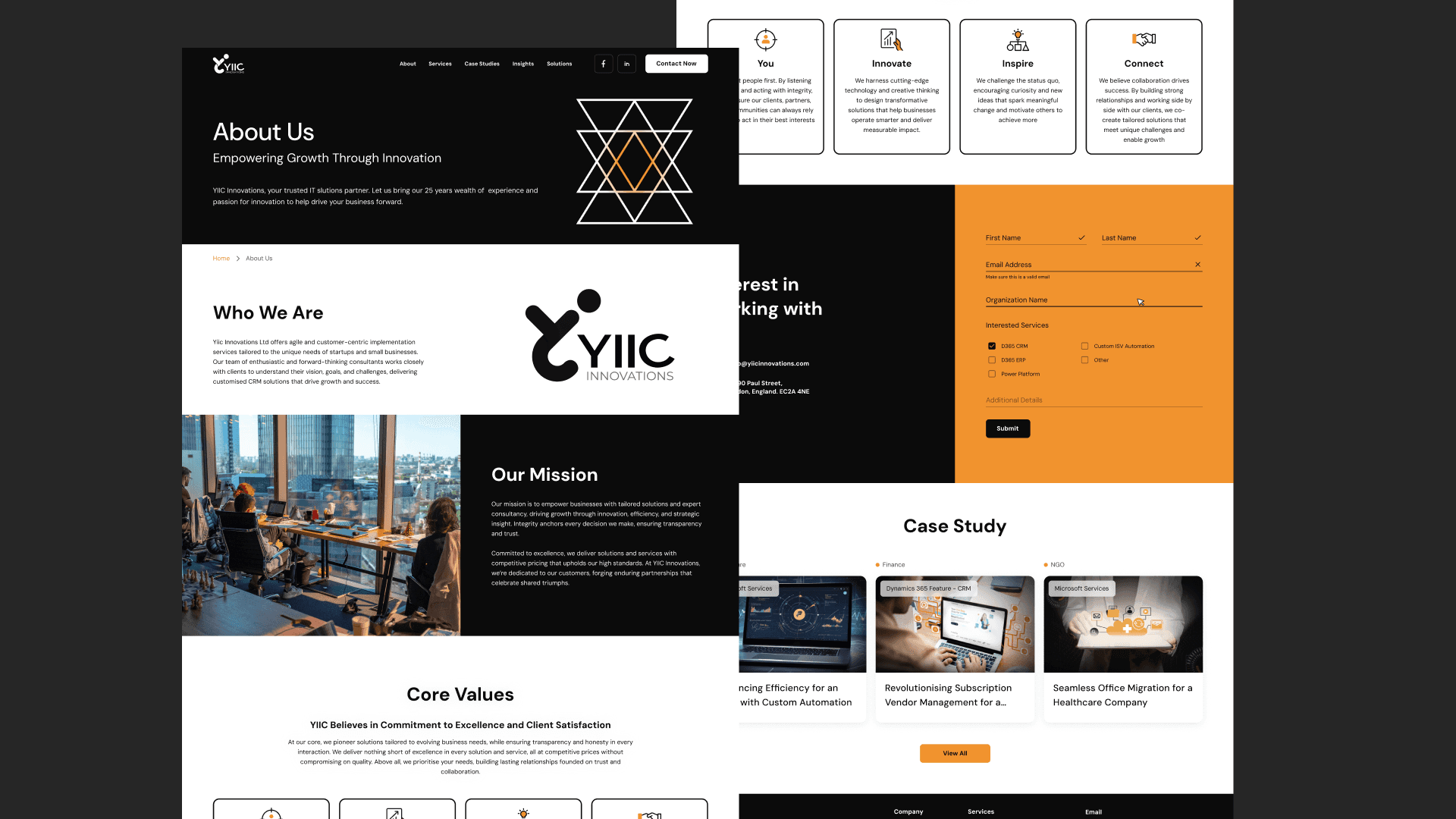
Visual Design & UI
Style / Visual Language
A modern, clean color palette (you can insert your palette)
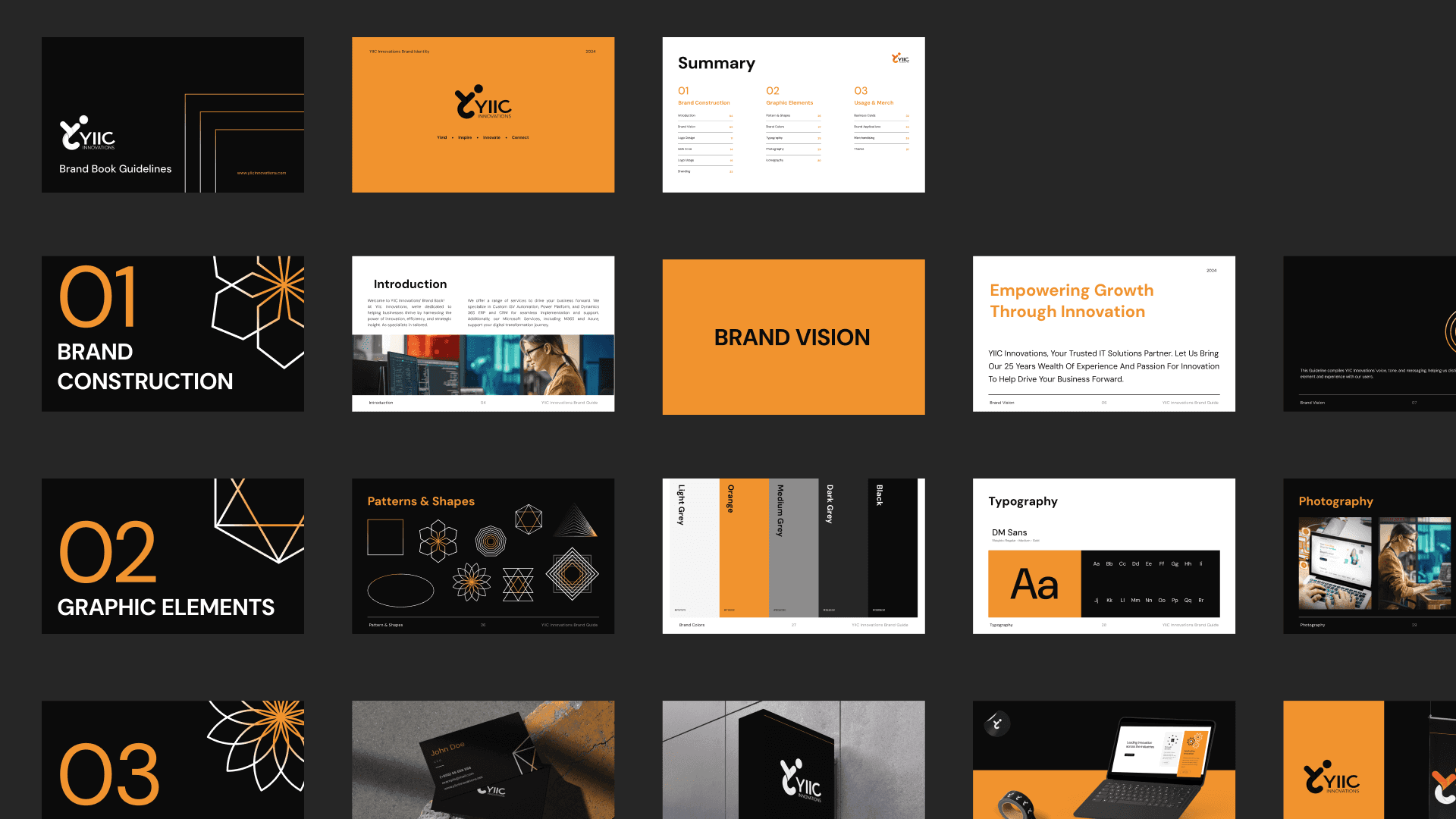
Use of professional imagery and iconography matching the tech / enterprise realm
Typography: hierarchical, readable, sufficient contrast
Visual consistency (button styles, card styles, spacing rules)
Implementation Highlights
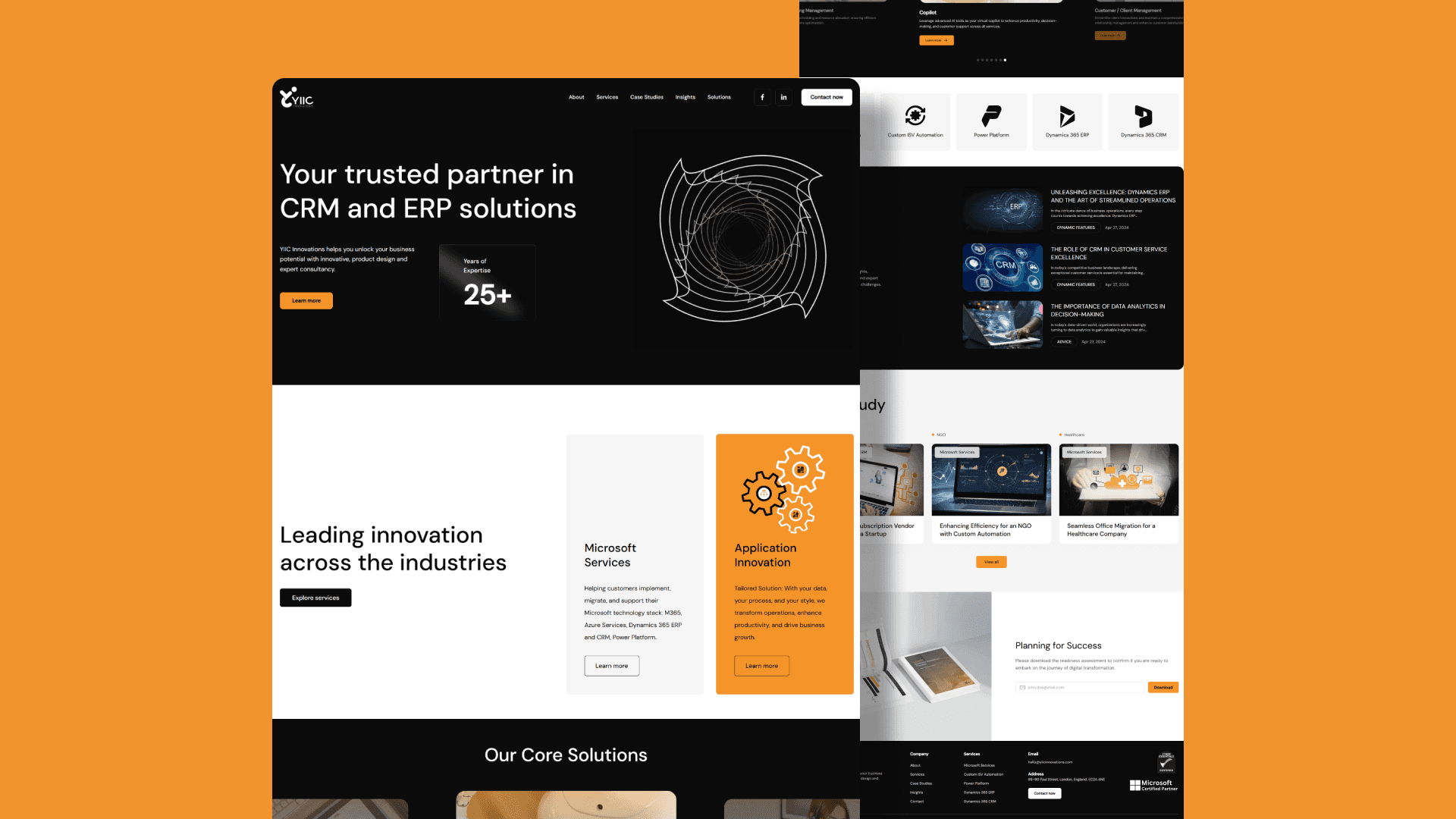
On the homepage, the repetition of “Microsoft Services / Application Innovation” is used to reinforce message.
“25+ Years of Expertise” used as a credibility anchor near top.
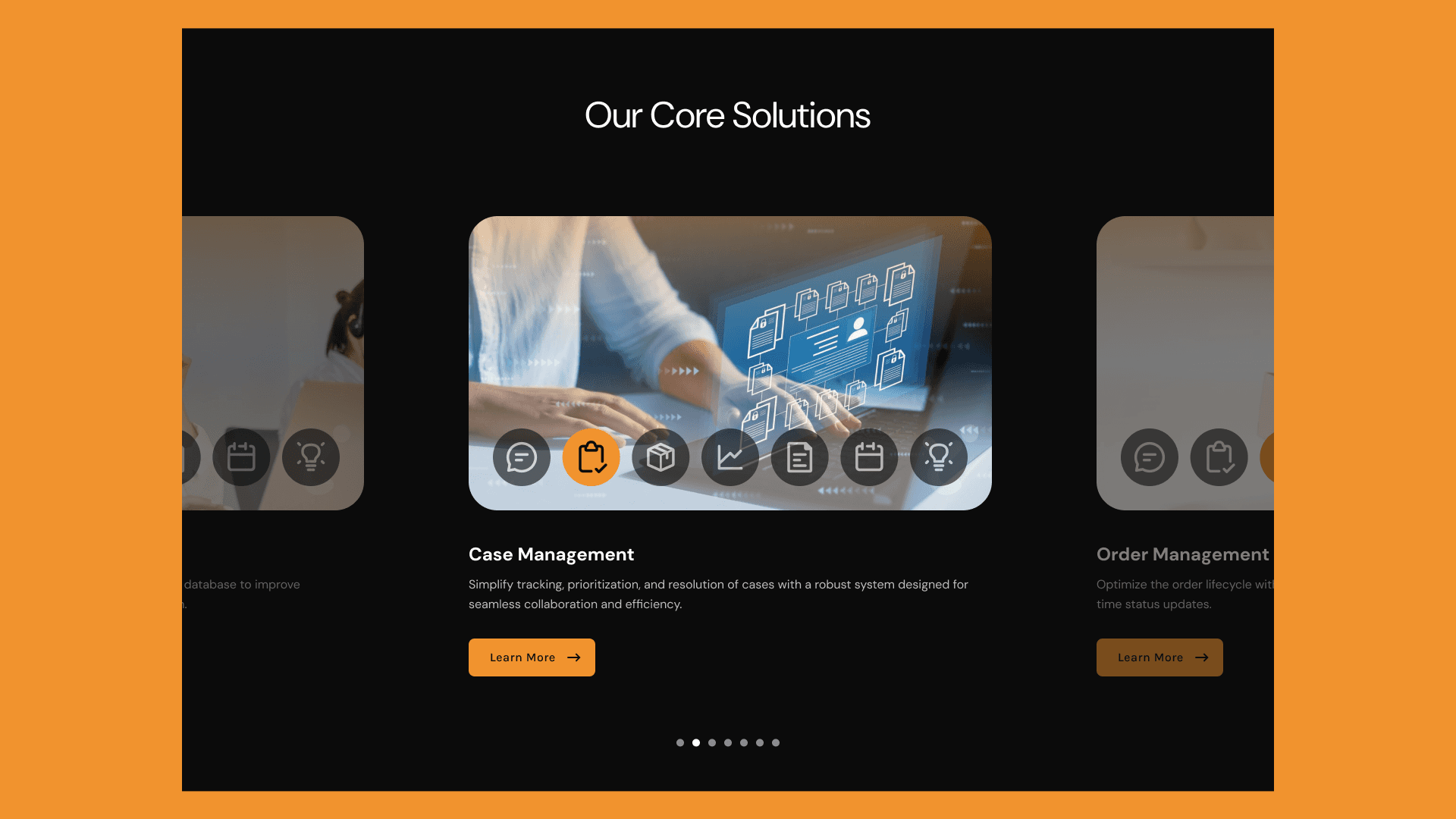
The “Our Core Solutions” section uses cards (Customer / Client Management, Case Management, etc.) to break down complex offerings into digestible pieces.
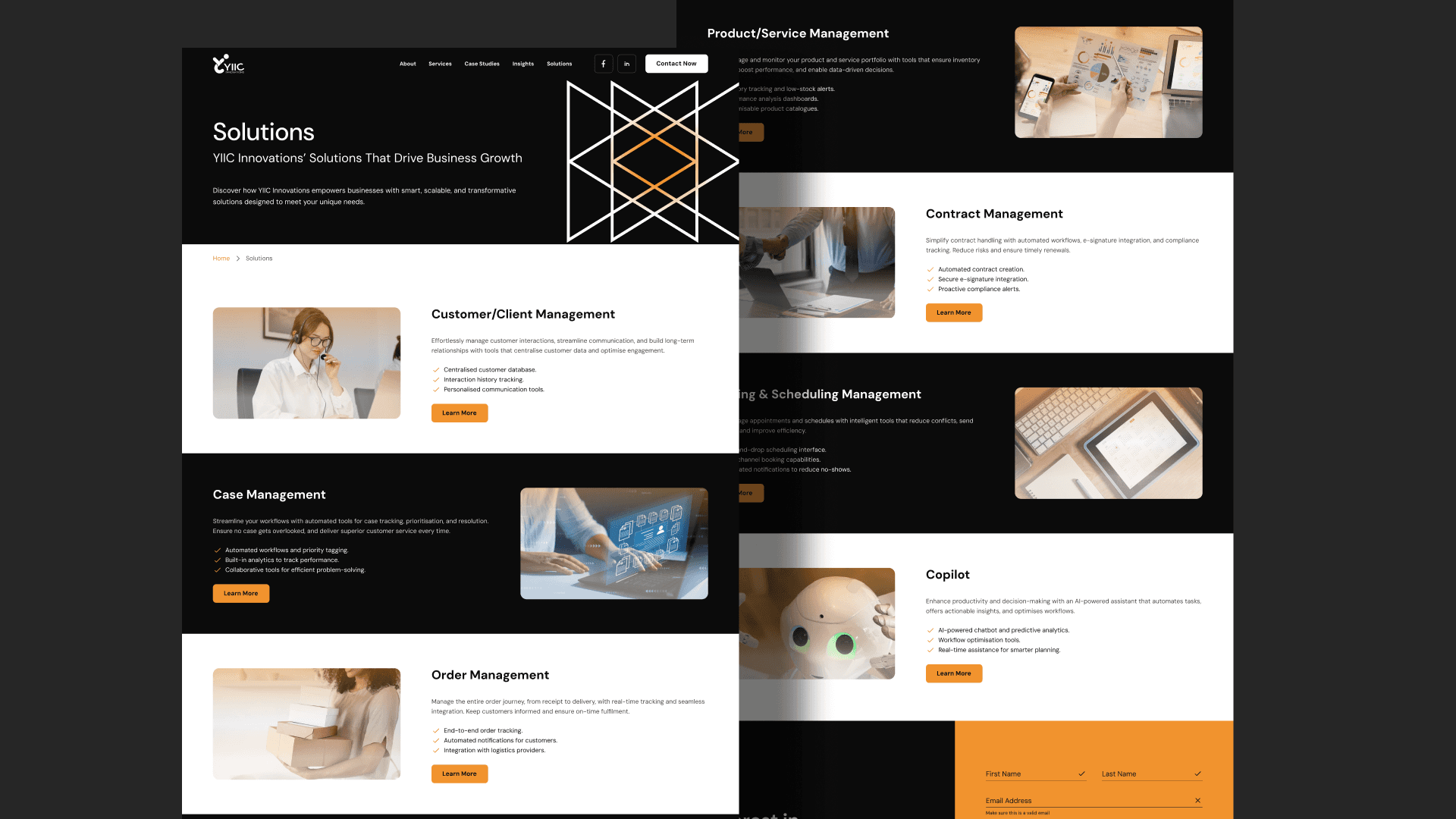
In “Solutions” page, each solution is described with bullet-points / features (e.g. automated workflows, compliance alerts) for clarity.
Case study pages (e.g. “Enhancing Efficiency for an NGO”) are laid out with problem → solution → results story arcs.
Insight / blog pages use a consistent article layout (header image, title, subheading, body) to maintain visual harmony.
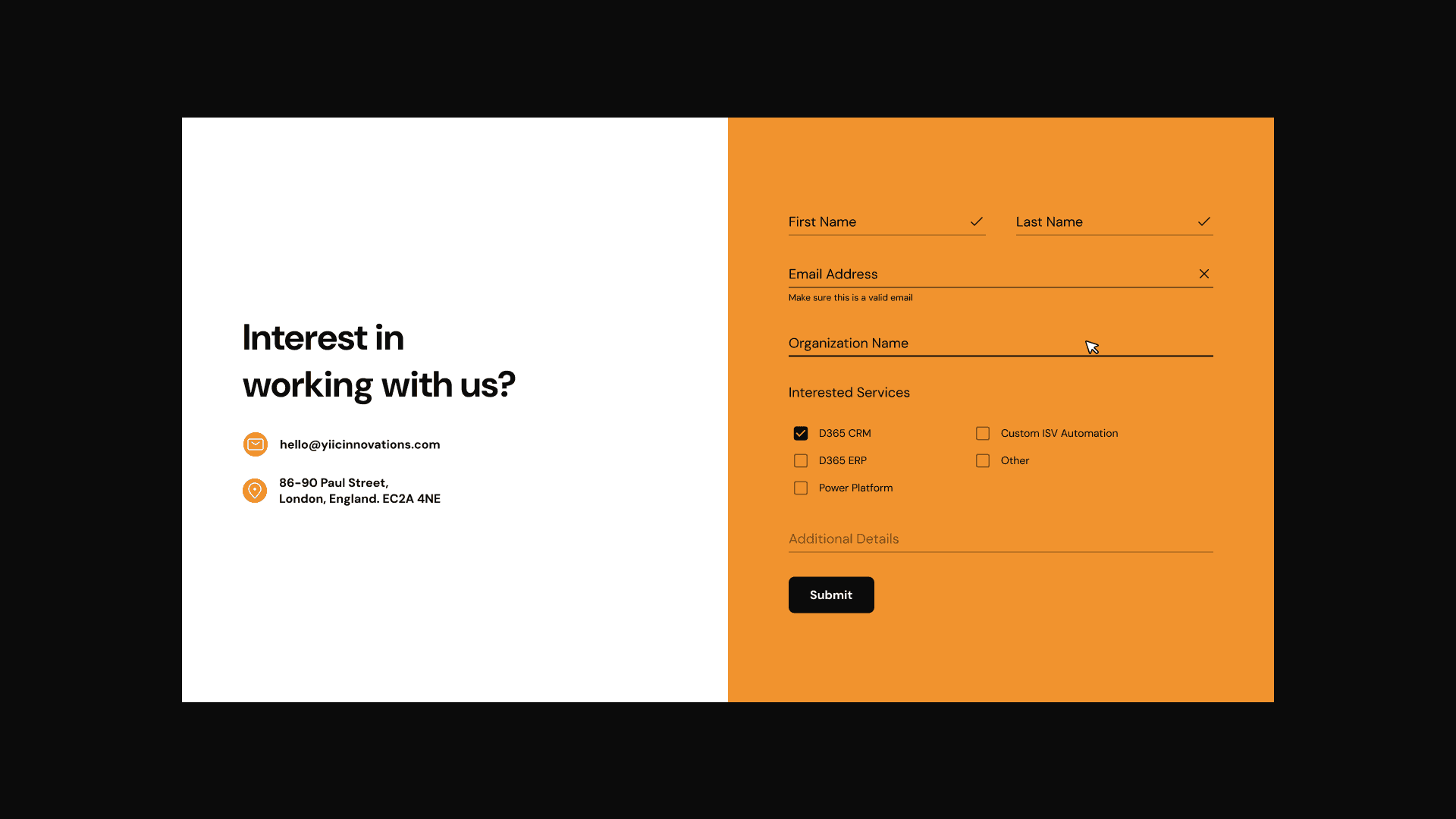
Contact page has form + email + address to reduce friction for reaching out.
Responsive / Mobile Considerations
Collapse service grids to single columns
Hamburger menu for navigation
Sticky header or quick scroll back to top
Touch target sizes ensure usability
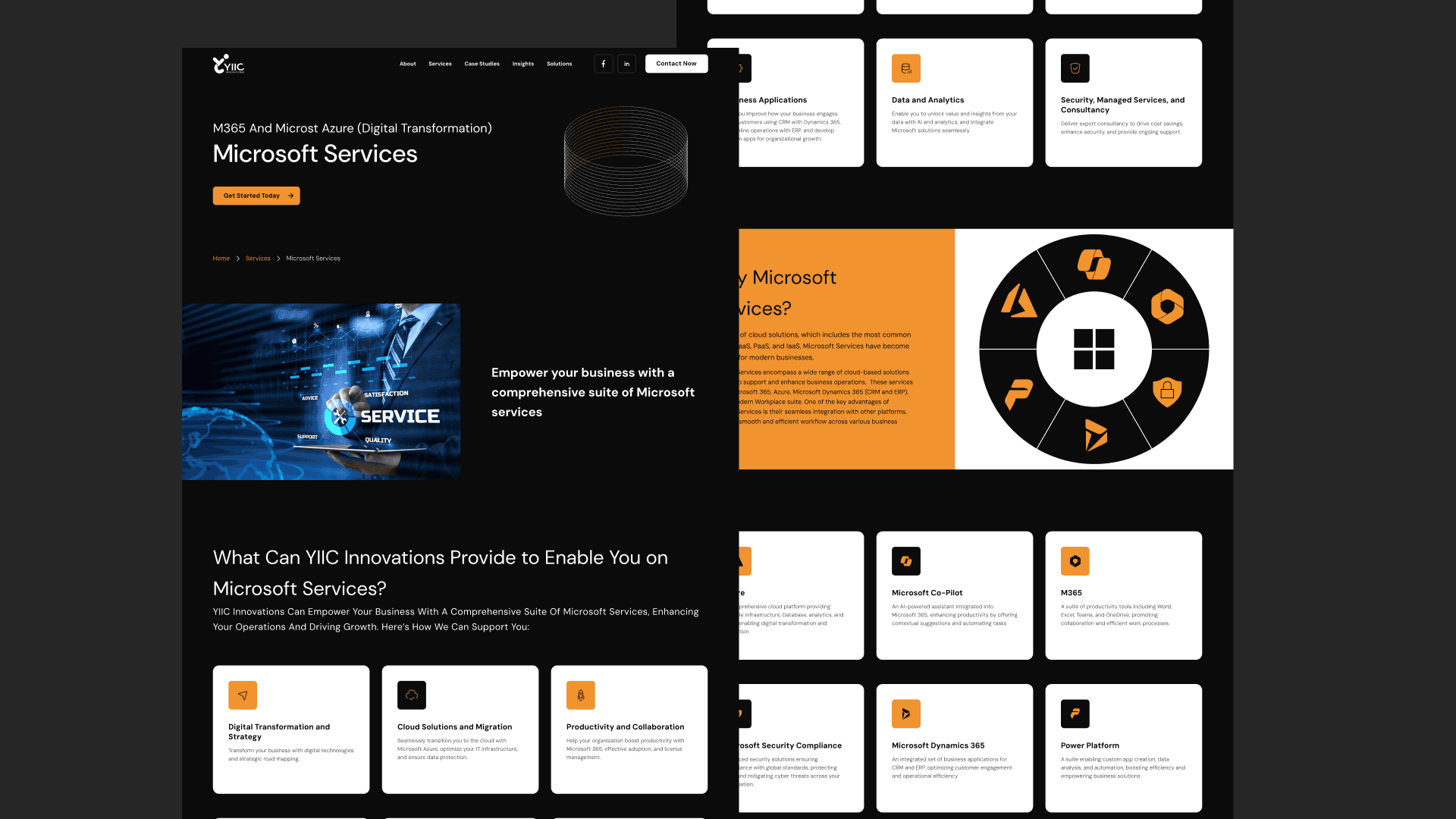
UX Flow & Conversion Strategy
I defined a user flow for a typical visitor:
Landing on homepage → immediately understand what YIIC does
Scroll to services / solutions to find the relevant offering
Dive into case studies to assess credibility
Read insights to see thought leadership
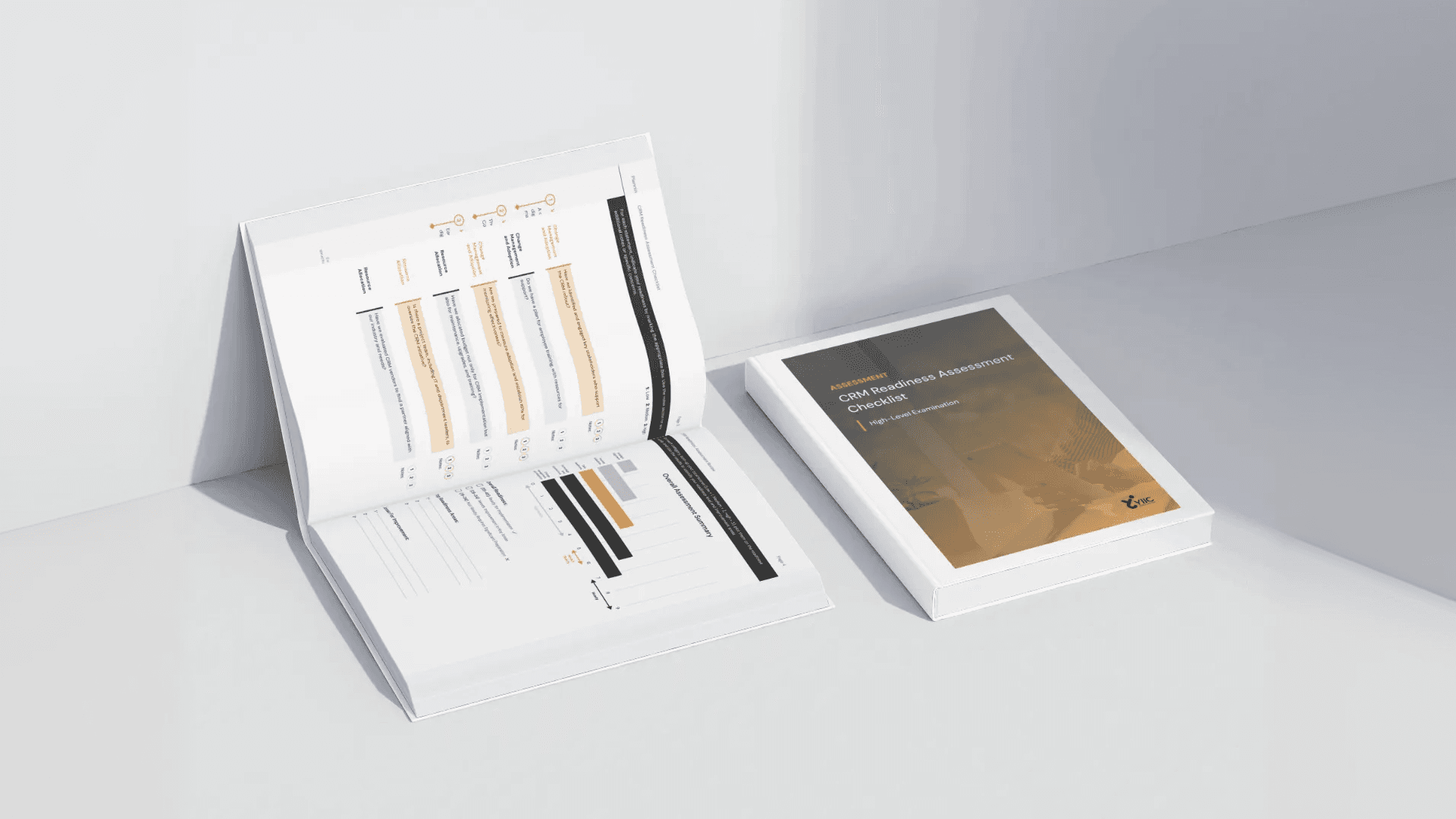
Contact or download readiness / assessment
To support this flow:
CTAs are placed at decision points (e.g. “Learn more” under services, “Contact us” in footer)
Inter-page linking (services → case studies, insights → related services)
Use of trust signals: “25+ years”, case study results, expert content
Download readiness / assessment is a “mid-funnel” offering to engage interested users deeper
Challenges & Design Trade-offs
Balancing content vs. whitespace: With many service offerings, there was tension between showing everything vs overwhelming the user. I prioritized the top 5–6 core solutions on the homepage and moved deeper offerings into subpages.
Visual consistency: Ensuring each module (cards, images, icons) aligned visually required creating a pattern library / design system early.
Scalability: The site is modular so new services or case studies can slot in without redesigning whole pages.
Imagery vs abstraction: In some sections, literal images (people working) had limitations — I supplemented these with abstract tech icons to balance.
Results & Reflections
While actual analytics (traffic, conversions) will tell the final story, here are anticipated / observed benefits:
Users can quickly grasp YIIC’s domain (Microsoft / automation / consulting)
Better content discoverability — case studies and insights visible
Increased trust via consistent brand, visuals, and success stories
Easier scalability as the company grows
Lessons Learned / What I’d Do Next:
Conduct user interviews / usability testing to validate navigation and content clarity.
Monitor metrics: bounce rate, time on page, conversion funnels, scroll depth.
Refine or A/B test CTA placements / wording.
Extend the design system (buttons, icon sets, color variants) as new modules are added.
Add micro-animations or transitions to subtly guide user focus.

More Other cases
FAQ